Edit global values and theme settings
Change your business details, logo, colors and fonts once and update them across the whole site.
Easiest way: ask the agent
Open the Website Agent, pick your site and say what to change. A change to a phone number, color or font updates everywhere it's used.
- "Change our phone number to (916) 555-0147 everywhere."
- "Make the main color dark green and the buttons orange."
- "Use a more modern font for the headings."
- "Replace the logo with this one: [attach image]"
Prefer Claude, ChatGPT or Cursor? You can connect your own AI and ask it the same things.
Before you start
You need your site in the 1ClickWebsite dashboard and access to its WordPress admin.
Global Values holds the business details used across the site: business name, logo, phone, email, address, city and location details, and button text. Theme holds the site-wide look: main colors, border colors, heading and body fonts, and text size, weight and spacing.
Not every template uses every field. When a field is used in several places, changing it once updates all of them.
Do it yourself in the OCF Editor
-
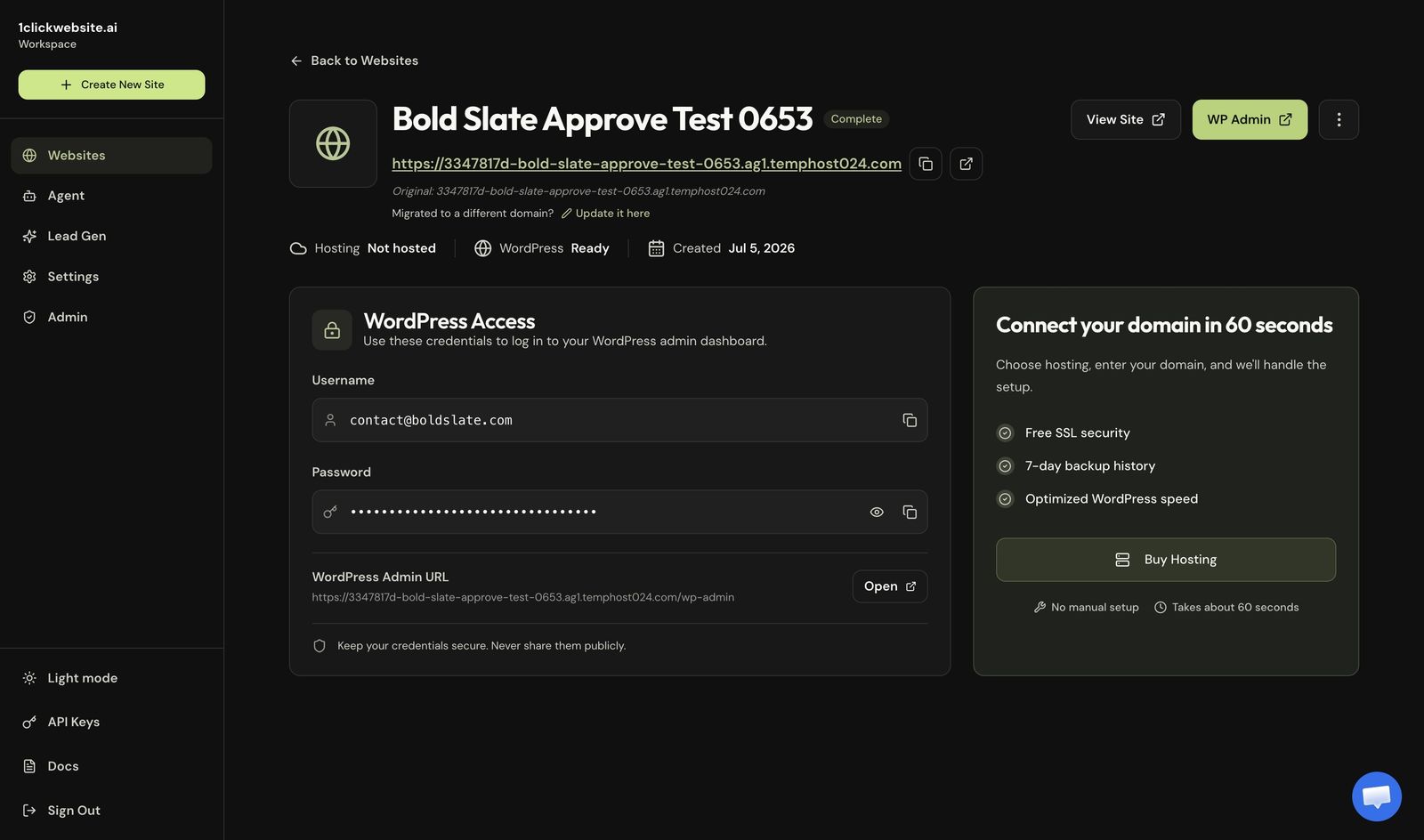
Open your site details Open the site in your dashboard.
-
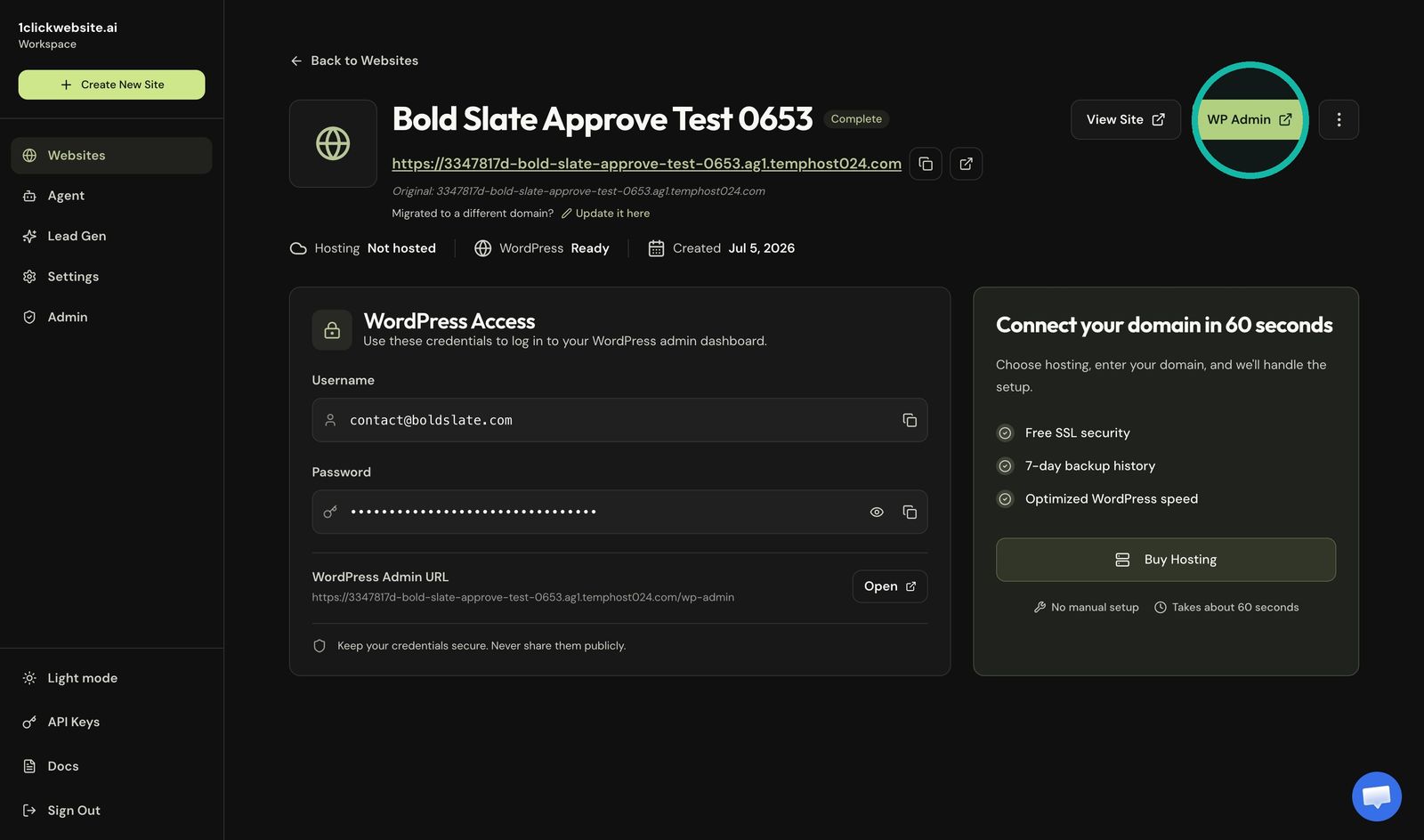
Open WordPress admin Click WP Admin.
-
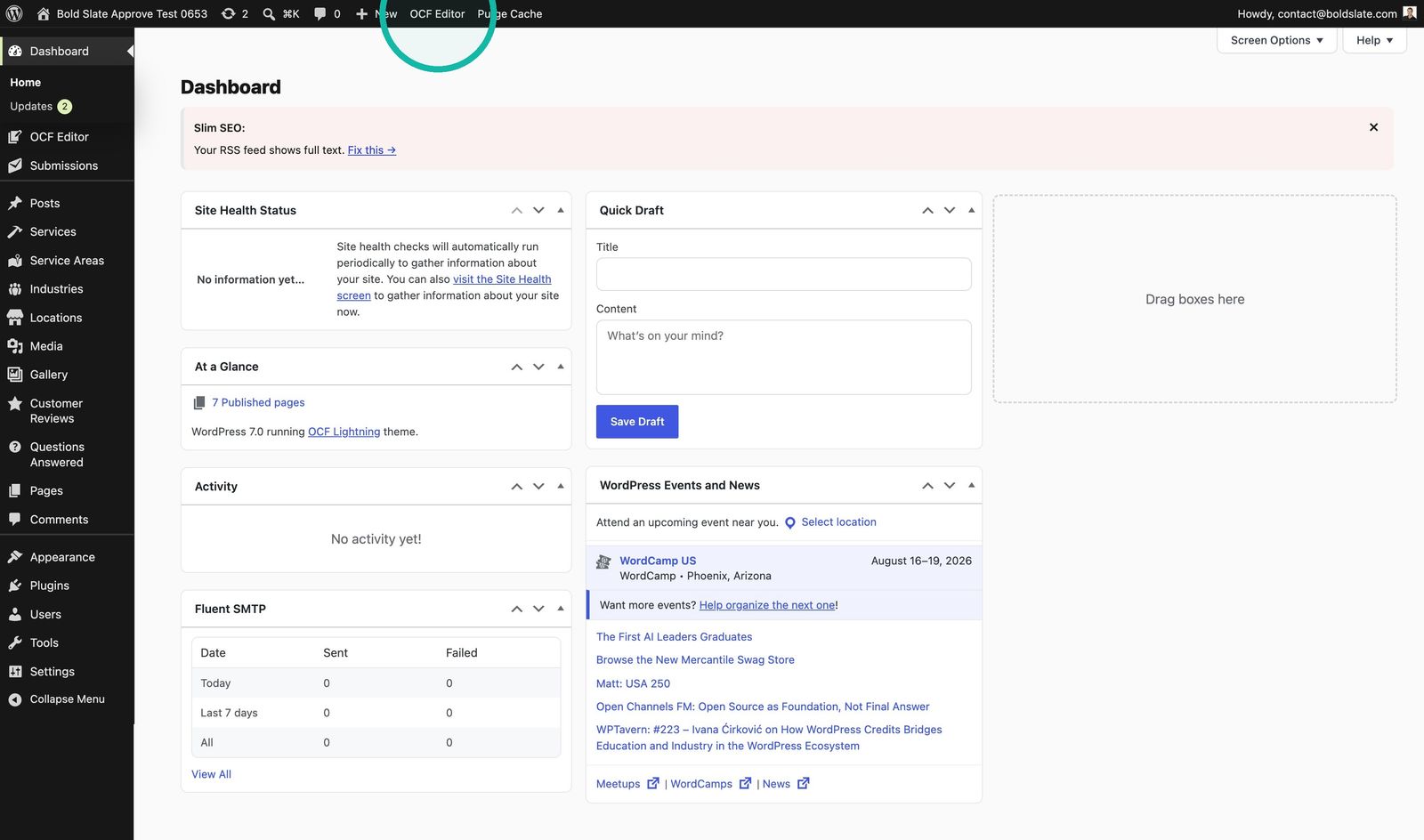
Open the visual editor Click OCF Editor in WordPress.
-
Open Global Values Select Global Values in the editor sidebar.

-
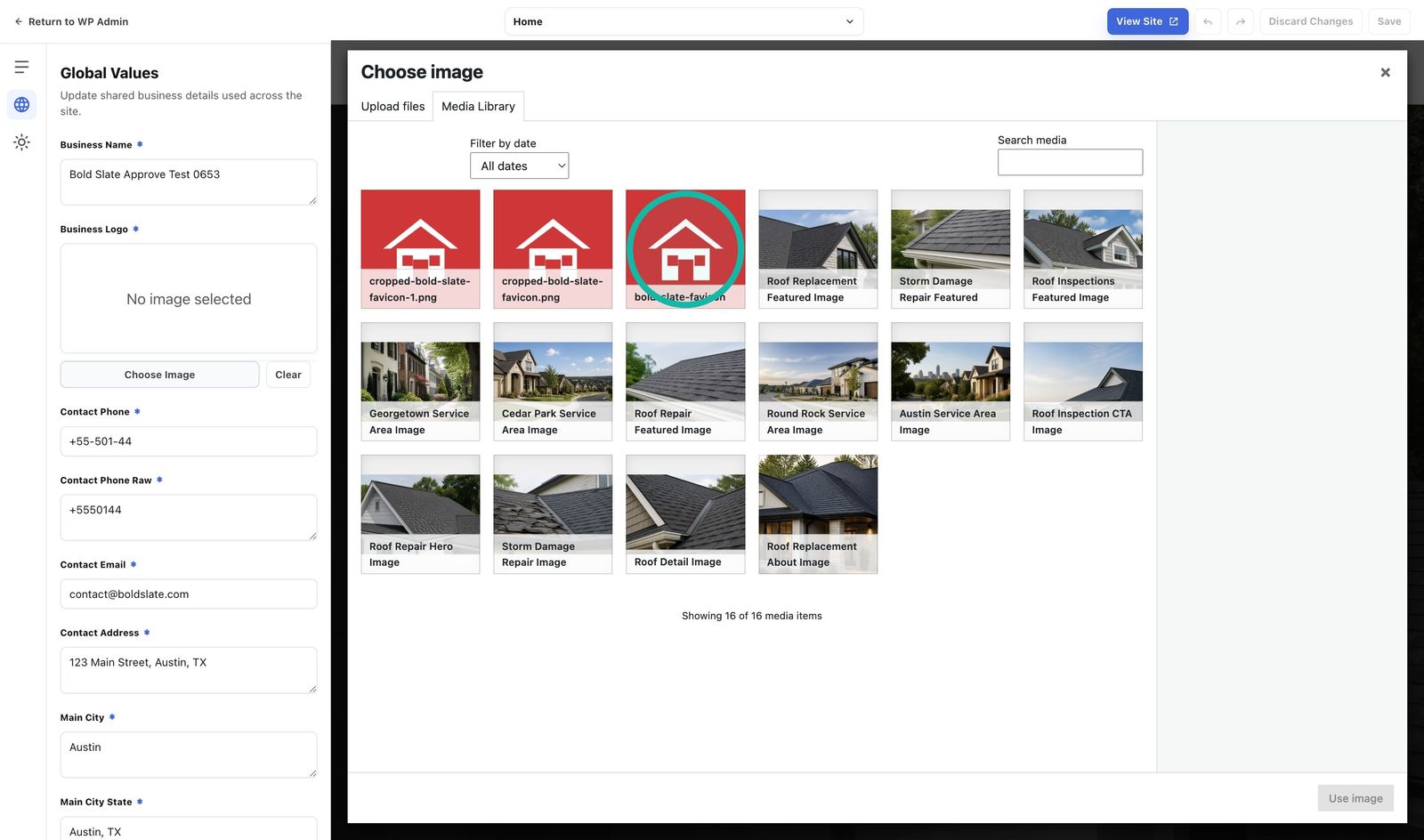
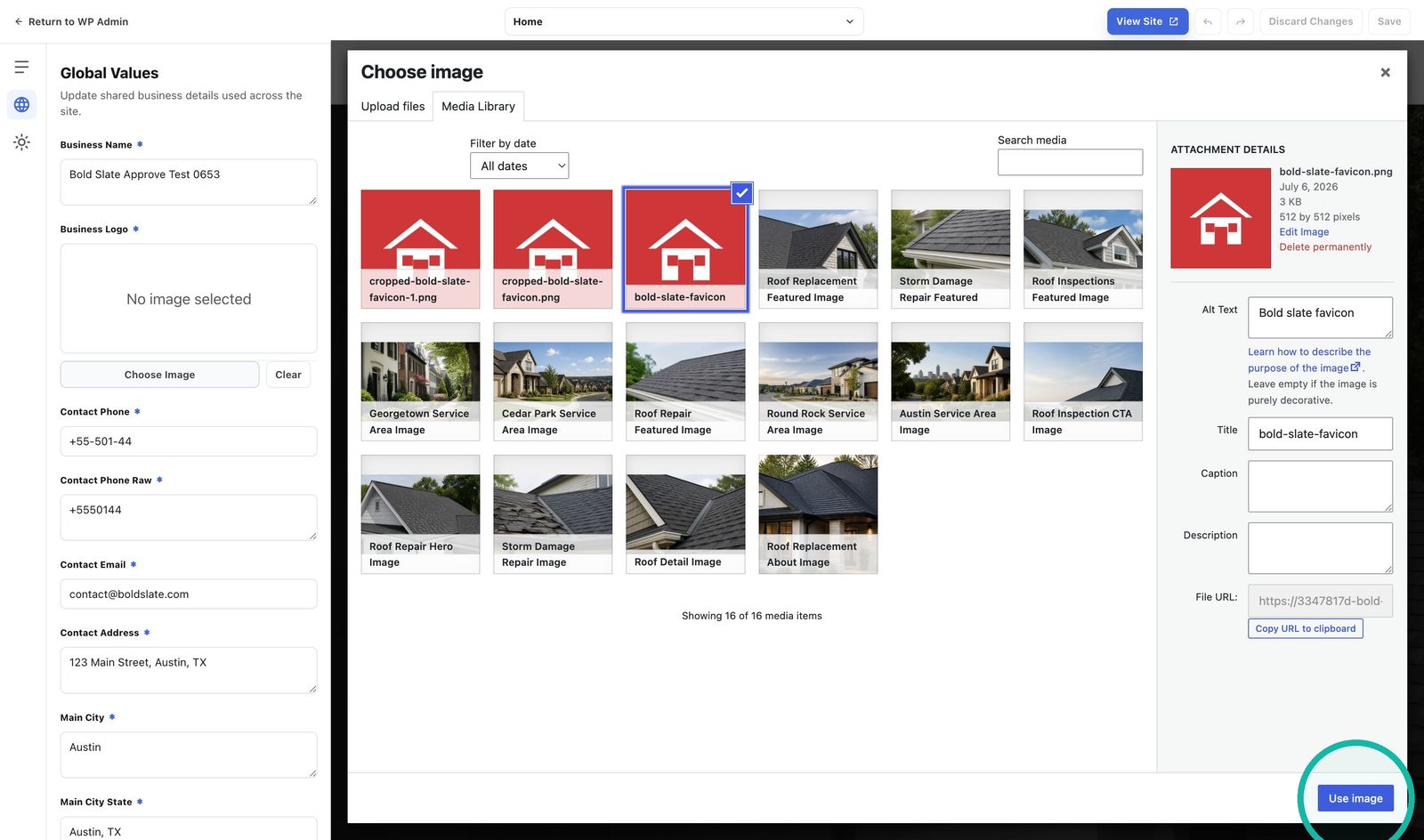
Update your details and logo Change the business fields you need. Under Business Logo, choose or upload an image, select it, then click Use image.

-
Adjust the theme Open Theme to change site-wide colors, fonts and text styles.

-
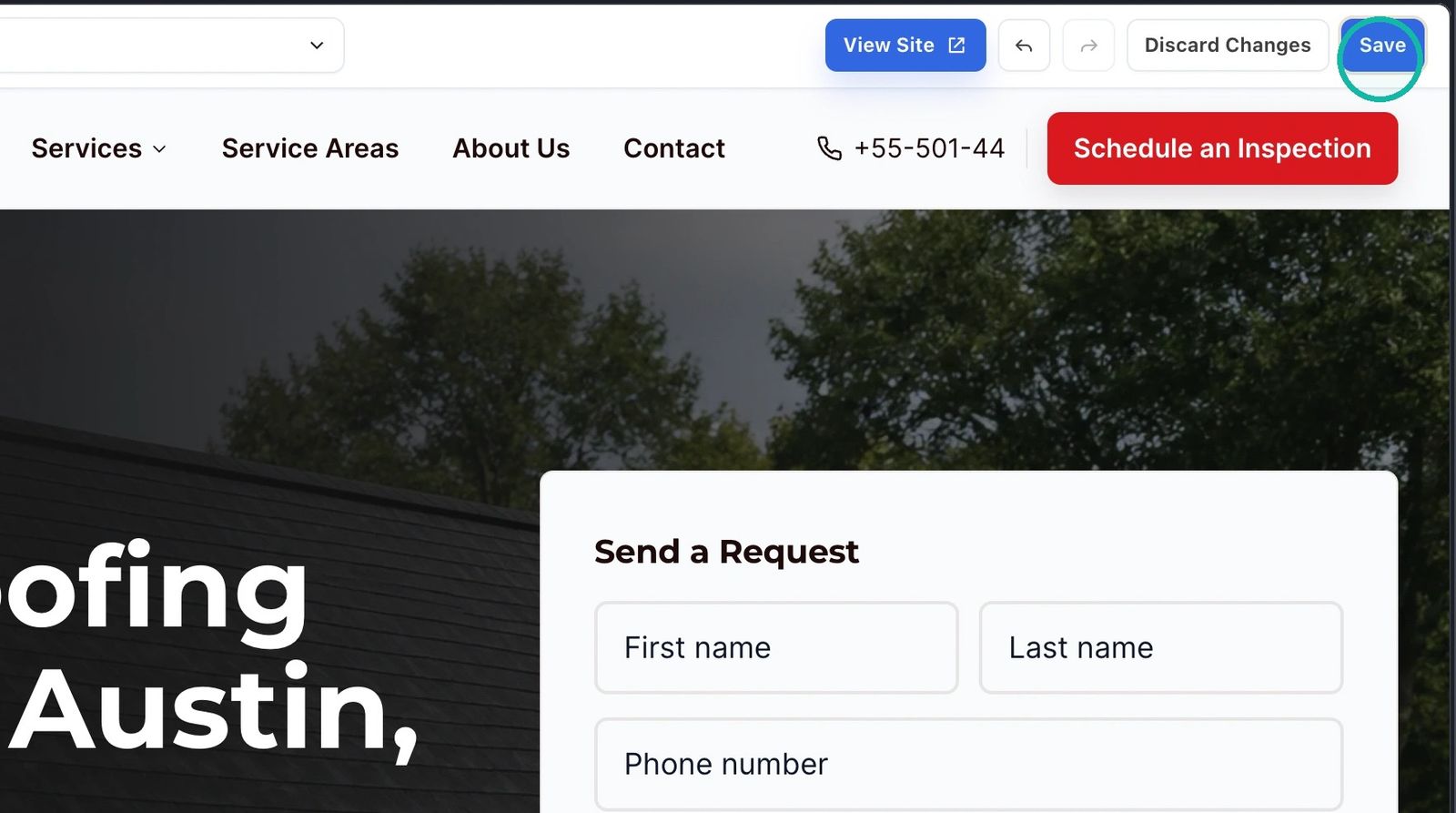
Save Click Save when you're done.
Good to know: use Theme for broad changes like colors and fonts. To change the text in one section of a page, use the Content panel in the editor instead.
Troubleshooting
- A change only shows in some places: that spot may use its own text. Edit it in the Content panel.
- Can't open the OCF Editor, or a save error appears: chat with us and include your site URL.
Still stuck?
Chat with us and we'll reply right here, usually in a few minutes.